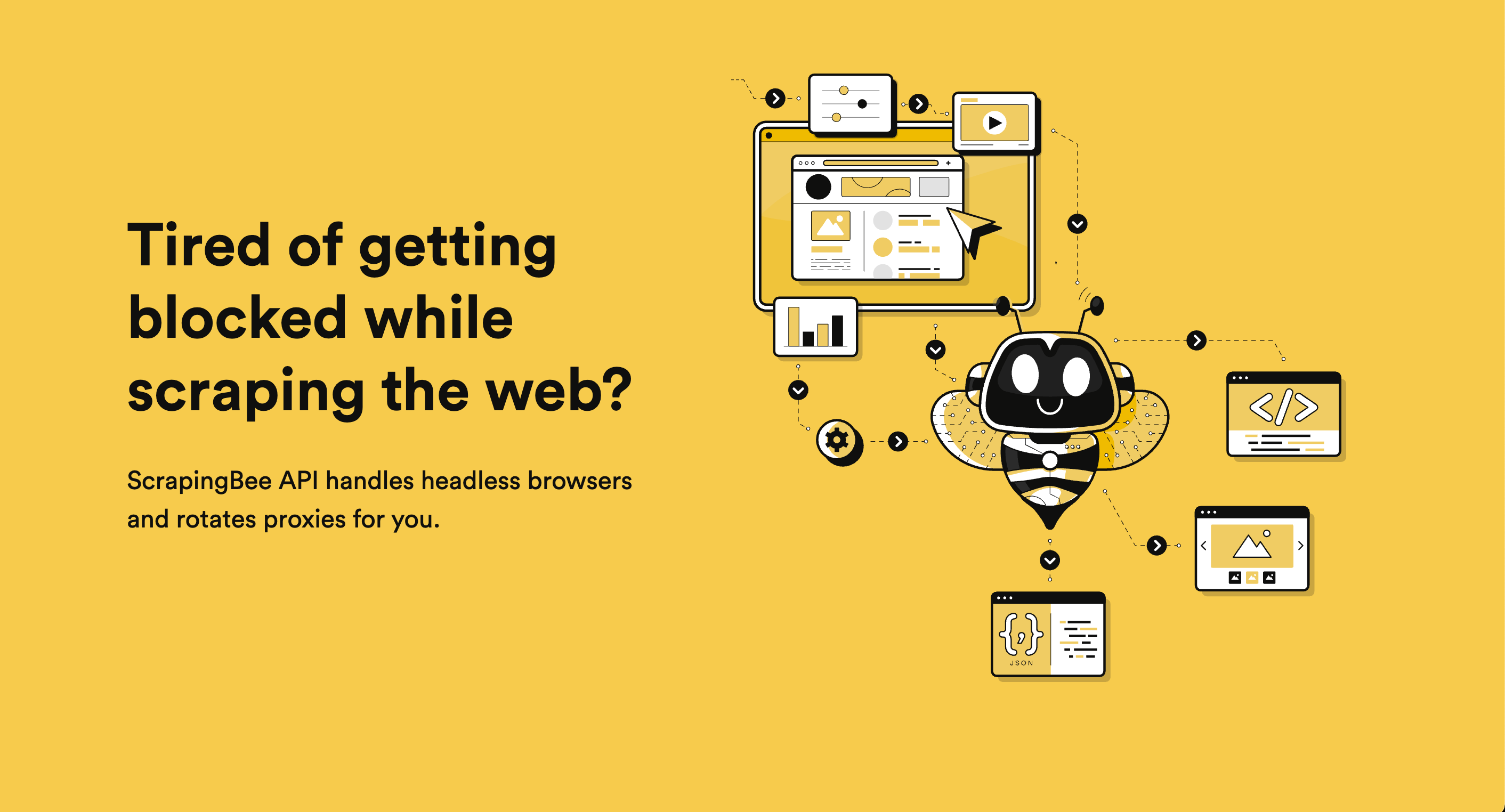
ScrapingBee
Web scraping API that handles proxies, headless browsers, and AI data extraction
AI-Powered Summary
ScrapingBee is a web scraping API service that handles headless browser management, proxy rotation, and anti-bot detection so developers can focus on data extraction. It supports JavaScript rendering, AI-powered content extraction via natural language prompts, Google SERP scraping, and screenshot capture. The tool is used by over 2,500 customers including enterprises like SAP, Deloitte, and Zillow.
Key Features
What makes ScrapingBee stand out
AI Data Extraction
Describe the data you want in plain English and get structured JSON back without writing CSS selectors.
JavaScript Rendering
Renders pages in real Chrome browsers to scrape content from SPAs using React, Angular, or Vue.
Proxy Rotation
Automatically rotates IP addresses from a large proxy pool to avoid rate limiting and blocks.
JavaScript Scenarios
Run custom scripts to click buttons, scroll pages, or wait for elements before extracting data.
Screenshot Capture
Take full-page or partial screenshots of any website via a simple API parameter.
Google SERP Scraping
Scrape search engine results pages without getting blocked by Google's rate limits.
CSS Data Extraction
Define extraction rules with CSS selectors to get structured JSON data from any page.
IP Geolocation
Choose proxy locations to scrape region-specific content as if browsing from that country.
What's Great
- Handles headless browsers and proxy rotation automatically, eliminating infrastructure maintenance
- AI extraction feature allows plain English data descriptions instead of brittle CSS selectors
- Supports JavaScript rendering for modern SPAs built with React, Angular, and Vue.js
- Offers specialized Google SERP scraping API with anti-rate-limiting built in
- Multi-language support with REST API accessible from Python, C#, and any HTTP client
Things to Know
- JavaScript scenario execution has a 40-second timeout limit, which restricts complex multi-step interactions
- Usage-based pricing means costs can scale unpredictably with high-volume scraping needs
- Relies entirely on API calls — no visual scraping interface or point-and-click builder for non-developers
Real Cost Breakdown
Hidden Costs
- API credit overage charges beyond plan limits
- Stealth proxy and JavaScript rendering requests may consume more credits per call
Cost Saving Tips
- Start with non-JS rendering requests where possible as they use fewer credits
- Use AI extraction to reduce post-processing development time
- Target site APIs directly instead of rendering full pages when possible
ScrapingBee trades infrastructure management costs and developer time for a per-request API fee, making it cost-effective for teams who value reliability over building their own scraping stack.
Price Comparison
Compare ScrapingBee with similar tools
ScrapingBee ranks as the 2nd most affordable option out of 2 tools, priced 100% below the category average of $47/mo.




Best For
Developers and teams needing reliable web scraping without managing proxies or browsers
Who Should NOT Use This
- Users needing to scrape behind authenticated sessions at scale — ScrapingBee is designed for public web scraping; managing complex login sessions and cookie persistence across many accounts is not its primary strength
- Budget-conscious hobbyists scraping very high volumes — Usage-based API pricing can become expensive at scale compared to self-hosted solutions like Scrapy with your own proxies
- Non-technical users without any coding or automation experience — While it simplifies scraping, ScrapingBee is still an API that requires basic programming knowledge or familiarity with no-code automation tools
- Teams needing real-time sub-second scraping of thousands of pages simultaneously — The 40-second JavaScript scenario timeout and API-based architecture may not suit ultra-low-latency, massively parallel scraping workloads
Competitive Position
Combines managed headless Chrome rendering, automatic proxy rotation, and AI-powered plain-English data extraction in a single API call.
When to Choose ScrapingBee
- You need a managed scraping solution and don't want to maintain proxy pools or headless browsers
- You're scraping JavaScript-heavy SPAs that require full browser rendering
- You want AI-powered extraction to avoid maintaining brittle CSS selectors
- You need Google SERP data without dealing with aggressive rate limiting
When to Look Elsewhere
- You have massive scraping volume and the budget/expertise to run your own infrastructure (Scrapy + proxies)
- You need a visual point-and-click scraping tool with no coding involved (consider Octoparse or ParseHub)
- You primarily need structured data from specific platforms that have dedicated API providers (e.g., social media data)
- You need on-premise deployment for compliance reasons
Strongest alternative: Bright Data
Learning Curve
Prerequisites
Common Challenges
- Understanding when to use JavaScript rendering vs. direct API targeting for cost optimization
- Debugging JavaScript scenarios within the 40-second timeout limit
- Identifying the right CSS selectors or crafting effective AI extraction prompts for complex pages
Frequently Asked Questions
Common questions about ScrapingBee
Compare ScrapingBee
See how ScrapingBee stacks up against alternatives
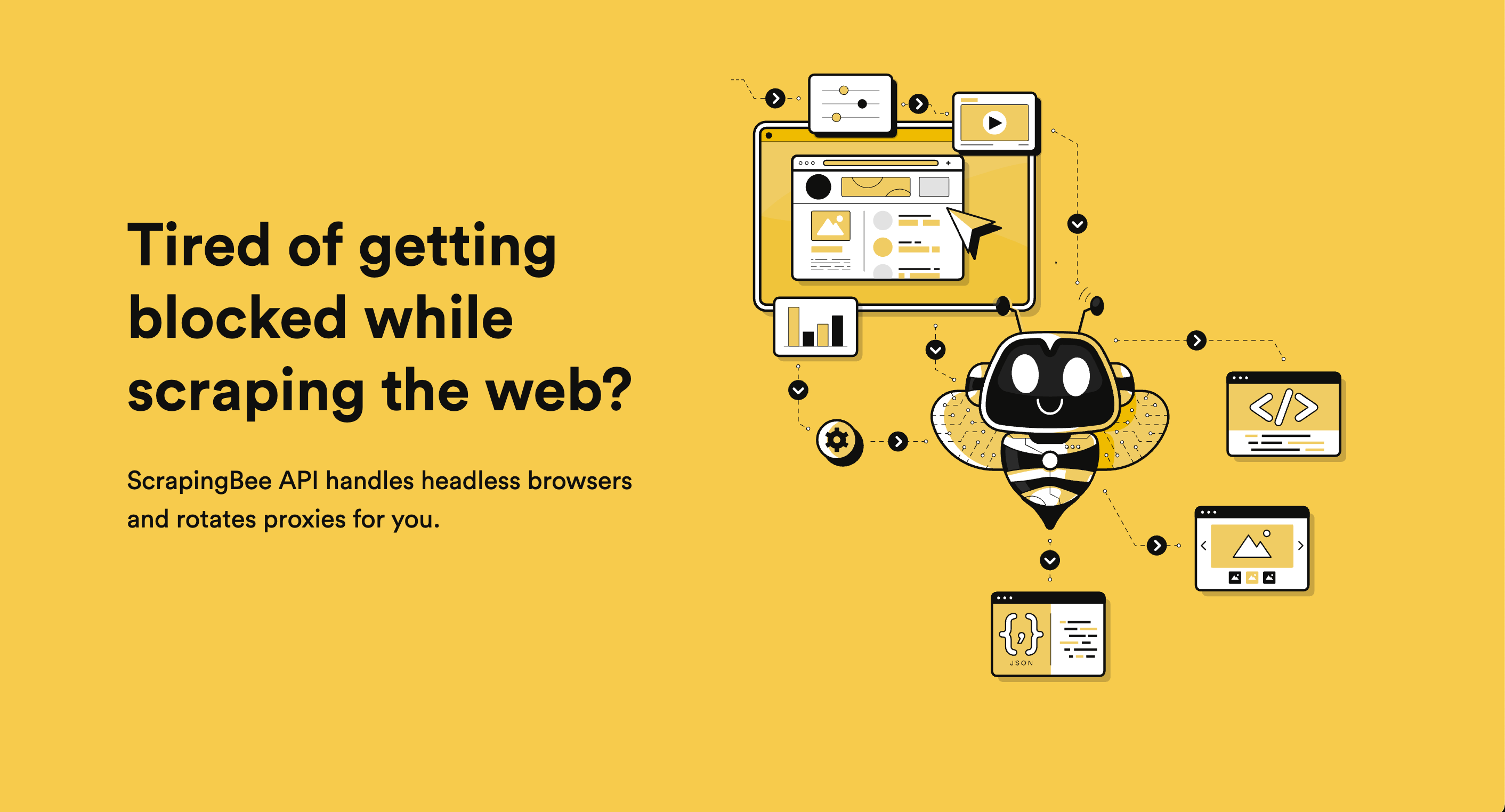



Ready to try ScrapingBee?
Join thousands of users who are already using ScrapingBee to supercharge their workflow.
Get Started Free