AI writing assistants, copywriting, and content generation tools
10 Tools Reviewed
Expert Curated
Regularly Updated
#1 Best Overall
Murf AI
Ultra-realistic AI voice generator for text-to-speech, voiceovers, and dubbing
Freemium
Free Tier
Murf AI is a text-to-speech and voice generation platform that converts text into natural-sounding speech across 150+ voices in 35 languages. It offers a studio for voiceover creation, AI dubbing for video localization, and a low-latency TTS API (Falcon) designed for building voice agents at scale. It is used by over 6 million users and 300+ Forbes 2000 companies.
Turn any idea into videos with AI — ads, explainers, stories, and more
Free / $15/mo
Free Tier
Invideo AI is a text-to-video platform that generates full-length videos from natural language prompts, integrating multiple AI video models including Sora 2 and Google VEO 3.1. It serves content creators, marketers, businesses, and filmmakers who want to produce ads, promos, explainers, short films, and social media content without traditional video production skills. The platform also includes AI image generation, avatar creation, and voice capabilities.
Pros
Integrates multiple leading AI video models (Sora 2, VEO 3.1) in one platform
Supports a wide variety of video types from UGC ads to cinematic short films
Full-length video generation without 12-second clip limitations
Cons
Free tier is very limited with only 2 video minutes and 1 AI credit per week
Free exports include a watermark and no access to generative features
Pricing tier details beyond the free plan are not fully transparent on the website
Best for:Content creators and marketers who need to produce diverse video content quickly
AI Search Visibility Tracking & Optimization Platform
From $39/mo
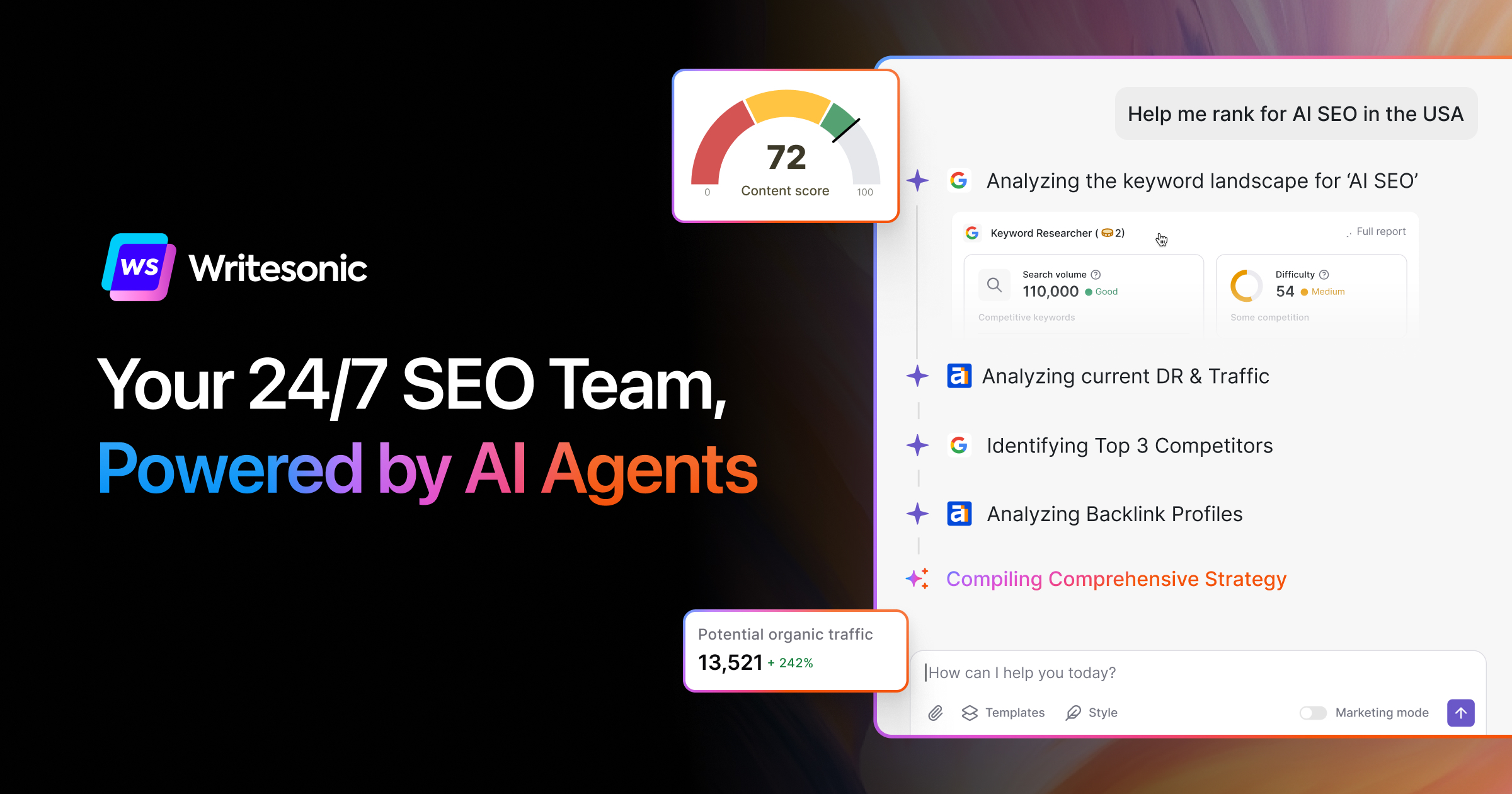
Writesonic is an AI content and SEO platform offering 80+ writing tools for articles, ads, landing pages, and product descriptions, combined with AI search visibility tracking and Generative Engine Optimization (GEO). It helps content marketers and SEO professionals create optimized content while monitoring brand visibility across AI search engines like ChatGPT and Perplexity.
Pros
Combines content creation with AI search visibility tracking in one platform
Midjourney is an AI image generation service that transforms text prompts into high-quality, stylized images. It is widely regarded for producing some of the most aesthetically appealing AI-generated artwork and is used by artists, designers, marketers, and hobbyists for creative visual production.
Pros
Produces consistently high aesthetic quality images with strong artistic style
Active community on Discord for sharing prompts, tips, and inspiration
Regular model updates that significantly improve output quality
Cons
No free tier available — requires a paid subscription to use
Less precise control over exact compositions compared to some competitors
Stealth mode (private generations) only available on Pro and Mega plans
Best for:Artists and designers needing high-quality AI-generated visuals from text prompts
Free AI writing assistance for clear, mistake-free communication
Free / $30/mo
Free Tier
Grammarly is an AI writing assistant that checks grammar, spelling, tone, and clarity across web browsers, desktop apps, and popular workplace tools. It offers a free tier for basic corrections and paid plans that add sentence rewriting, tone adjustment, brand voice consistency, and generative AI text drafting. It targets individuals, teams, and large enterprises needing consistent, professional written communication.
Pros
Works across many platforms including browsers, desktop apps, Slack, Google Docs, and Zendesk
Generous free tier that covers basic grammar, spelling, and tone detection
Strong privacy stance: does not sell user content or use it for ad targeting or third-party model training
Cons
Pro plan AI prompts are capped at 2,000, which may not be enough for heavy generative AI users
Monthly Pro pricing ($30/month) is significantly more expensive than annual billing ($12/month)
Free tier has very limited generative AI capabilities (only 100 prompts)
Best for:Professionals and teams who write frequently and need consistent, polished communication
Agentic SEO & GEO platform to rank on Google and get cited by AI.
From $39/mo
Frase is an SEO and content optimization platform that uses an AI Agent to research competitors, create optimized content, and track brand visibility across both traditional search engines and AI platforms like ChatGPT and Perplexity. It consolidates SERP analysis, content writing, real-time SEO/GEO scoring, content gap identification, and programmatic SEO into a single tool, replacing the need for multiple separate subscriptions.
Pros
Combines SERP research, content creation, optimization, and AI visibility tracking in one platform — replacing 4-5 separate tools
Real-time dual scoring for both traditional SEO and GEO (AI search optimization) in a single editor
AI Agent with 80+ skills can analyze competitors and generate a complete SEO brief in about 30 seconds
Cons
Starter plan limits to just 1 user seat and 10 AI-optimized articles per month, which may feel restrictive
AI search tracking on lower tiers is limited to 2-3 platforms with only 30-90 days of history
No free plan available — only a 7-day trial before committing to at least $39/month
Best for:SEO teams and content marketers optimizing for both Google and AI search engines.
AI-powered writing platform for paraphrasing, grammar checking, and content refinement
Freemium
Free Tier
QuillBot is an AI writing assistant platform with over 35 million users that provides paraphrasing, grammar checking, plagiarism detection, AI content detection, summarization, translation, and citation generation. It is designed for students, professionals, content creators, and English language learners who want to refine and improve their writing rather than generate content from scratch.
Pros
Comprehensive writing toolkit with 8+ tools in one platform (paraphraser, grammar checker, AI detector, plagiarism checker, etc.)
Free tier available with core functionality for casual users
Massive user base of 35M+ users and 140+ institutional partnerships, indicating reliability and trust
Cons
Premium pricing is not transparently displayed on the website, making cost comparison difficult
Teams pricing shown only in MXN, creating confusion for international buyers
Free tier has word count and feature limitations that push users toward paid plans
Best for:Students and professionals who need to polish, paraphrase, and verify their writing
Google's conversational AI assistant for writing, coding, and reasoning
Free / $19.99/mo
Free Tier
Google Gemini is a conversational AI assistant that leverages Google's large language models to help users with writing, coding, research, image analysis, and general question answering. It integrates tightly with Google Workspace and Search, making it especially useful for users already in the Google ecosystem. The free tier provides capable general assistance, while the paid Advanced tier unlocks larger context windows and Workspace integration.
Pros
Deep integration with Google Workspace (Gmail, Docs, Drive, Sheets) for contextual assistance
Free tier provides access to capable Gemini models without payment
Real-time access to Google Search for up-to-date information and grounded responses
Cons
Paid plan is bundled with Google One storage, so you pay for storage even if you only want AI features
Less extensible plugin/tool ecosystem compared to ChatGPT's GPT Store
Workspace integration requires Google One AI Premium subscription — no standalone option
Best for:Google Workspace users wanting an AI assistant for writing, research, and coding
AI-powered presentations, documents, and websites in seconds
Free / $10/mo
Free Tier
Gamma is an AI presentation and content platform that generates slides, documents, and websites from text prompts or imported files. It handles design automatically, letting users focus on content rather than formatting. It's aimed at professionals, educators, and teams who need polished visual content without specialized design skills.
Pros
Generates complete presentations from a single text prompt in under a minute
Supports multiple output formats: presentations, documents, and web pages from the same tool
One-click theme restyling changes the entire look without manual reformatting
Cons
Less granular design control compared to traditional tools like PowerPoint or Keynote
AI-generated content may need significant editing for accuracy and tone in specialized fields
Free tier includes Gamma branding/watermark on all content
Best for:Business teams needing quick, polished presentations without design expertise