AI presentation maker that creates professional decks in minutes, not hours
From $45/mo
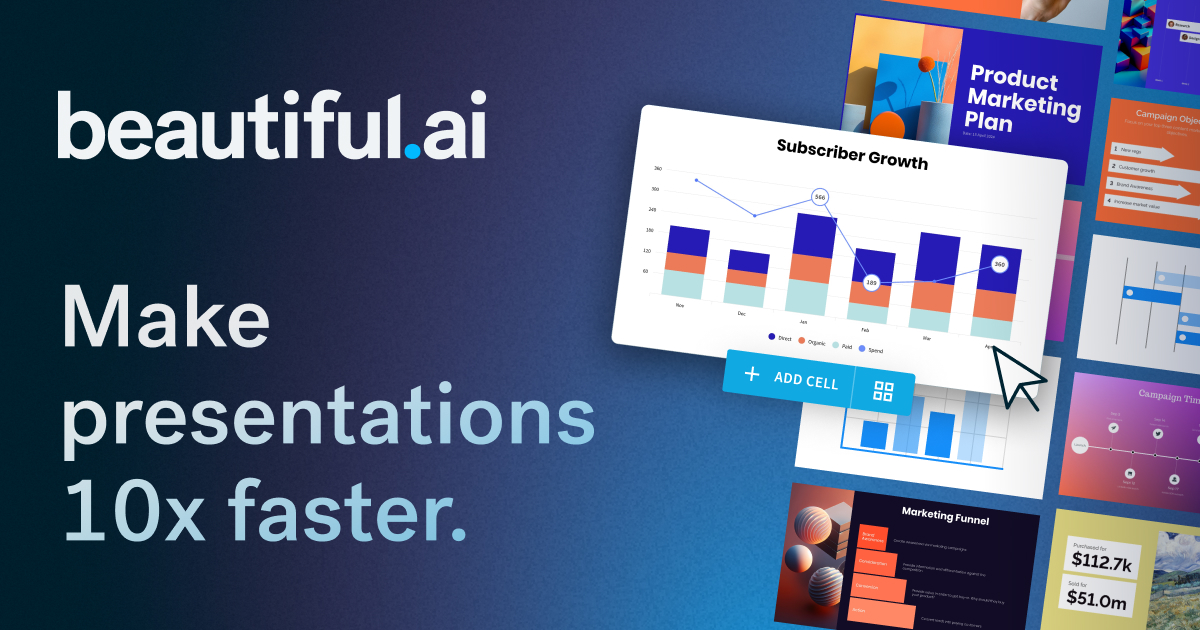
Beautiful.ai is a presentation platform that uses AI to generate slide decks from text prompts and automatically handles design, layout, and formatting through its Smart Slides system. It targets business professionals, sales teams, and marketers who need polished presentations without dedicating time to manual design. The platform includes collaboration features, brand controls, viewer analytics, and integrations with tools like PowerPoint, Salesforce, and Slack.
Pros
Smart Slides auto-format layout, spacing, and design as you edit, eliminating manual formatting
Generates full presentation drafts from a text prompt in seconds
Strong team collaboration features including locked slides, shared libraries, and viewer analytics
Cons
No free tier—requires paid subscription after 14-day trial
Teams plan minimum is 2 seats at $40-50/user/month, which can be costly for small teams
Smart Slides auto-design approach may limit fine-grained layout control compared to traditional tools
Best for:Sales and marketing teams who create frequent presentations and need consistent branding
The AI workspace where teams manage docs, projects, and knowledge in one place
Free / $10/mo
Free Tier
Notion AI is a workspace platform that combines documents, wikis, project management, and databases with built-in AI features including custom agents, enterprise search across connected apps, and meeting transcription. It targets teams ranging from individuals to large enterprises, with tiered pricing that gates AI features behind Business and Enterprise plans. The platform competes with tools like Confluence, Asana, and Google Docs by consolidating multiple functions into a single environment.
Pros
All-in-one workspace eliminates switching between separate docs, project management, and wiki tools
AI agents can automate repetitive workflows and take actions directly within the workspace
Enterprise Search connects to external apps like Slack, Google Drive, and GitHub for cross-tool answers
Cons
Full AI features (Agents, Enterprise Search, AI Meeting Notes) require Business plan at $20/seat/month — Free and Plus plans only get limited AI trial responses
Broad feature set can be overwhelming; the platform tries to replace many specialized tools which means each individual feature may lack depth compared to dedicated alternatives
HIPAA compliance and zero data retention are only available on Enterprise plans requiring sales contact
Best for:Teams wanting to consolidate docs, projects, wikis, and AI assistance into one platform
AI notetaker that transcribes, summarizes, and analyzes team meetings
Free / $10/mo
Free Tier
Fireflies.ai is an AI meeting assistant that joins video calls, records audio, generates transcripts, and produces summaries with action items. It supports 100+ languages and integrates with major conferencing platforms, CRMs, and project management tools. The platform is used by over 1 million companies, from small teams to Fortune 500 enterprises.
Pros
Supports 100+ languages with automatic language detection between meetings
200+ purpose-built AI apps for specific workflows like sales qualification and recruiting
Extensive integration ecosystem with CRMs, project management tools, and collaboration platforms
Cons
Free tier has limited transcription credits, requiring paid plans for regular use
Having a bot join meetings may feel intrusive to participants unfamiliar with AI notetakers
Advanced analytics and conversation intelligence features require the Business tier or higher
Best for:Teams who have frequent meetings and need automated notes and searchable archives
Online spreadsheet for collaboration and data analysis
Free / $7.2/mo
Free Tier
Google Sheets is a free, cloud-based spreadsheet application that allows users to create, edit, and collaborate on spreadsheets in real time. It is part of Google Workspace and integrates tightly with other Google services. It serves individuals, students, and businesses needing collaborative data management without desktop software.
Pros
Free for personal use with a Google account and 15 GB of shared storage
Real-time collaboration allows multiple users to edit simultaneously with visible cursors and comments
Deep integration with Google Workspace ecosystem (Drive, Docs, Slides, Forms, Gmail)
Cons
Performance degrades with very large datasets (tens of thousands of rows with complex formulas)
Advanced spreadsheet features like macros and complex pivot tables are less capable than Microsoft Excel
Requires internet connection for full functionality; offline mode is limited
Best for:Teams needing free, real-time collaborative spreadsheets in the browser
Build realistic, functional UX prototypes with no code required
From $29/mo
Axure RP is a desktop UX prototyping application for creating high-fidelity, interactive prototypes with conditional logic, dynamic content, and working form elements — all without writing code. It also serves as a documentation tool with flow diagrams, wireframes, and specification notes. The tool is aimed at professional UX designers and product teams who need realistic prototypes for usability testing and developer handoff.
Pros
Creates highly realistic, functional prototypes with conditional logic and dynamic data without code
Combines prototyping with documentation — flow diagrams, wireframes, and specs in one tool
Strong team collaboration with co-authoring, revision history, and integrated feedback via Axure Cloud
Cons
Steep learning curve due to the complexity of interaction events, conditions, and variables
No free tier — requires a paid subscription after the 30-day trial
Desktop application only — no web-based editor for prototyping
Best for:UX professionals who need high-fidelity interactive prototypes for testing and handoff
Code-based UI design and prototyping for designers and developers
Free / $49/mo
Free Tier
UXPin is a code-based design and prototyping tool that lets designers work with the same UI components developers use in production. It supports importing components from Storybook and Git repositories across multiple frameworks (React, Vue, Angular, Svelte), and features AI-assisted prototyping with multiple LLM models. The tool is primarily targeted at enterprise product teams and technical designers who need high-fidelity, interactive prototypes that can export production-ready code.
Pros
Design with actual production code components via Storybook and Git integration, ensuring design-development parity
The AI workspace with built-in agents for docs, projects, wikis, and knowledge.
Free / $10/mo
Free Tier
Notion is an all-in-one workspace that combines documents, wikis, project management, databases, and AI agents into a single platform. It serves individuals organizing personal projects through to large enterprises managing complex workflows, with over 100 million users worldwide including 62% of Fortune 100 companies. The platform replaces multiple standalone tools by offering flexible building blocks, real-time collaboration, and AI features including enterprise search, meeting notes, and autonomous agents.
Pros
Replaces many separate tools (wiki, project management, docs, CRM, forms, sites) in one platform
AI agents can search across all pages, messages, and connected files to surface relevant information
Extremely flexible database and content block system that adapts to nearly any workflow
Cons
AI features like agents and enterprise search are only available on Business ($20/seat) and above
Can feel overwhelming for new users due to the sheer number of configuration options and building blocks
Performance can slow down with very large workspaces containing many linked databases
Best for:Teams needing a single workspace for docs, projects, wikis, and AI-powered automation.
Intelligent work management platform for enterprise teams
Paid
Smartsheet is an enterprise work management platform that organizes projects, portfolios, and processes using familiar spreadsheet-style interfaces combined with project management views like Gantt, Kanban, and timeline. It includes AI features for formula generation, data analysis, and content summarization, and integrates with over 100 business tools. The platform is widely adopted among Fortune 500 companies for managing cross-team workflows, resource planning, and operational processes at scale.
Pros
Extensive integration ecosystem with 100+ enterprise tools including Jira, Salesforce, SAP, and Microsoft
Multiple project views (Grid, Gantt, Kanban, Timeline, Calendar) in a single platform
AI features built in for formula generation, data analysis, and intelligent form filling
Cons
Pricing is not transparently listed on the website, requiring contact with sales for Enterprise and AWM tiers
Pro tier has significant limitations including only 1 sheet per report and 10 widgets per dashboard
Advanced features like Resource Management, Brandfolder, and Bridge only available in the highest-priced tier
Best for:Enterprise PMOs and operations teams managing complex multi-project portfolios
Figma is a cloud-based design and prototyping tool used for UI/UX design, website creation, and design system management. It supports real-time multiplayer collaboration, developer handoff, and AI-assisted features including code generation and website publishing. It is widely adopted by design and product teams at companies ranging from startups to enterprises like Microsoft, Netflix, and Airbnb.
Pros
Real-time multiplayer editing lets entire teams work on the same file simultaneously
Design systems with shared components, variables, and libraries keep large organizations consistent
Browser-based with no installation required, works on any operating system
Cons
Requires internet connection for full functionality as it is cloud-based
Per-seat pricing becomes expensive at scale, especially for Organization and Enterprise tiers
Advanced features like branching, SSO, and org-wide libraries are locked behind higher tiers
Best for:Product design teams collaborating on UI/UX across design and development
Create online forms and surveys to collect data and insights quickly
Freemium
Free Tier
Google Forms is a free online tool for creating forms, surveys, and quizzes with drag-and-drop question building, conditional logic, and real-time response analytics. It integrates tightly with Google Sheets for data export and analysis, and is part of the broader Google Workspace ecosystem. It serves individuals, educators, and businesses looking for a simple, no-cost way to collect structured data.
Pros
Completely free for personal use with no form or response limits
Deep integration with Google Sheets for data export and analysis
Works across all devices with responsive design out of the box
Cons
Limited design customization compared to dedicated survey tools like Typeform
Advanced features like payment collection or complex branching logic are minimal
No native AI-powered analysis or advanced reporting beyond basic charts
Best for:Teams and individuals needing quick, free form and survey creation with built-in analytics