General-purpose AI writing tools for any content type.
10 Tools Reviewed
Expert Curated
Regularly Updated
#1 Best Overall
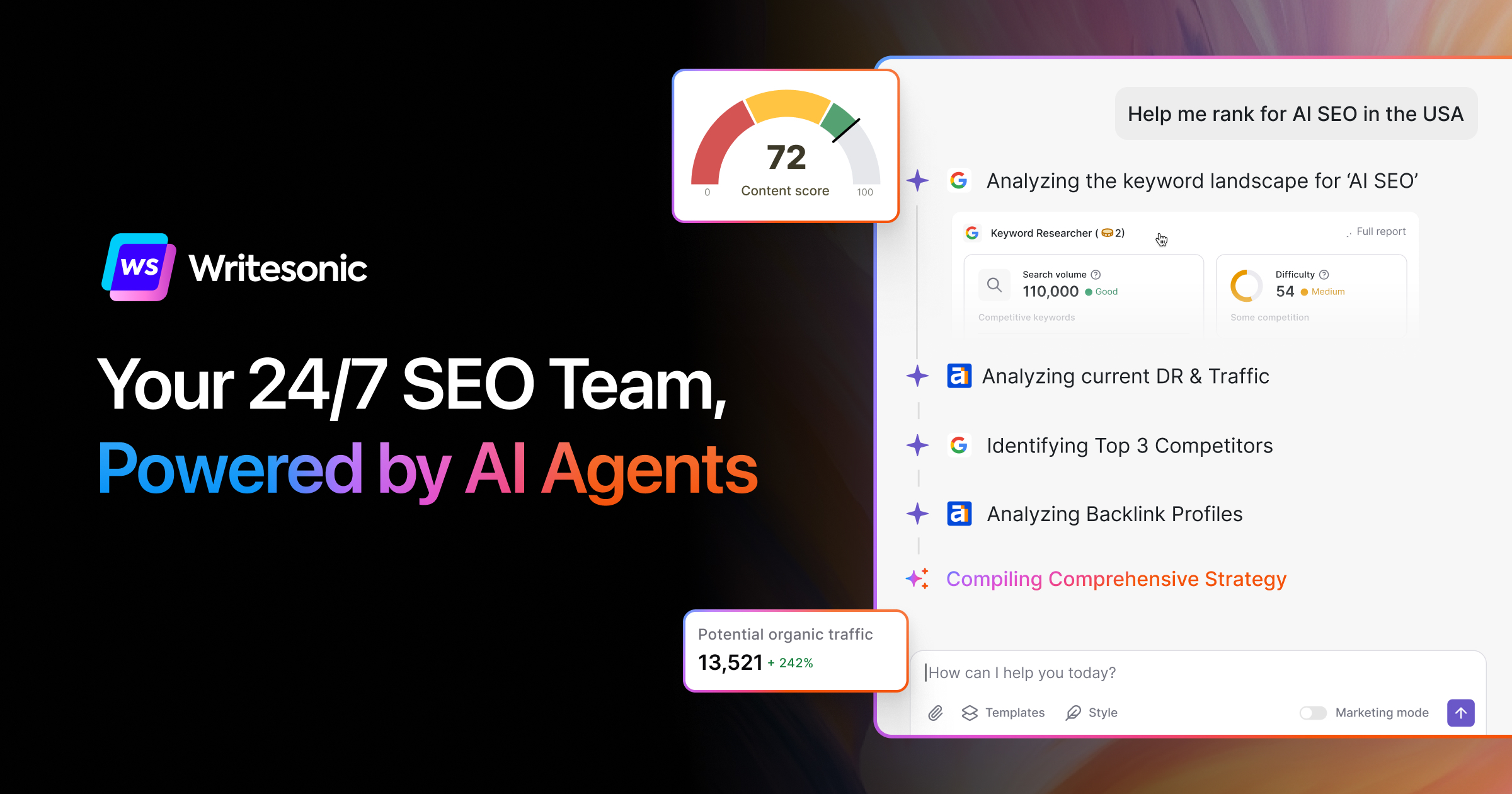
Writesonic
AI Search Visibility Tracking & Optimization Platform
From $39/mo
Writesonic is an AI content and SEO platform offering 80+ writing tools for articles, ads, landing pages, and product descriptions, combined with AI search visibility tracking and Generative Engine Optimization (GEO). It helps content marketers and SEO professionals create optimized content while monitoring brand visibility across AI search engines like ChatGPT and Perplexity.
Pros
Combines content creation with AI search visibility tracking in one platform
Turn text into presentation slides in seconds with AI
Free / $16.67/mo
Free Tier
SlidesAI is an AI-powered presentation generator that works as an add-in for Google Slides and PowerPoint. Users enter a topic or paste notes, and the AI organizes content into structured slides with layouts, text, and images. It supports 100+ languages and has been installed over 15 million times, primarily serving professionals, students, and educators who need quick, polished presentations.
Pros
Works natively inside Google Slides and PowerPoint — no separate app to learn
Supports 100+ languages for multilingual presentation creation
15M+ installs with 2000+ reviews and a 4.7-star rating indicates strong user satisfaction
Cons
Limited to Google Slides and PowerPoint — no standalone web editor or Keynote support
Pricing page lacks detailed feature breakdowns per tier, making plan comparison difficult
Design customization may be constrained compared to dedicated design tools like Canva
Best for:Professionals and students who need to create presentations quickly from text or notes
AI-powered writing assistant for rewriting, tone switching, and proofreading
Freemium
Free Tier
Wordtune is an AI writing assistant focused on sentence rewriting, tone adjustment, grammar correction, and text summarization. It supports translation from 10 languages into English, making it particularly useful for non-native English speakers. The tool integrates with popular platforms via browser extensions and is used by over 10 million people for professional, academic, and everyday writing tasks.
Pros
Supports translation from 10 languages into English with automatic rewriting
Fact-checking feature cites at least 5 sources before including claims
Works across many platforms via Chrome and Edge extensions (Gmail, Google Docs, Slack, LinkedIn)
Cons
Only writes and outputs in English — no support for writing in other languages
Free tier has limited daily rewrites and monthly summaries
Spices feature (contextual AI suggestions) only works in Google Docs and Wordtune Editor, not all sites
Best for:Non-native English speakers and professionals who need to polish their writing quickly
AI writing assistant that generates content matching your unique voice and tone
Free / $7.5/mo
Free Tier
Rytr is an AI-powered writing assistant that generates content across 40+ use cases including blog posts, emails, ad copy, and social media content. It features tone-matching technology that mimics a user's writing style, supports 35+ languages, and includes a built-in plagiarism checker. The platform serves over 8 million users, primarily copywriters, marketers, and freelancers looking to speed up content creation.
Pros
Very affordable pricing with a generous free tier (10K characters/month) and unlimited plan at $7.50/month
Tone-matching feature analyzes your writing style and replicates it in generated content
40+ built-in use case templates cover a wide range of content types from emails to blog posts
Cons
Free and Unlimited plans are limited to only 1 language, requiring Premium for multilingual support
Plagiarism checks are capped at 50-100/month even on paid plans, which may be insufficient for heavy users
No priority support on Free or Unlimited plans
Best for:Freelancers and marketers who need affordable, high-volume AI content generation
AI research platform with 280M papers and 150+ specialized tools
Free / $8/mo
Free Tier
SciSpace is an AI research platform offering access to 280 million academic papers with specialized AI agents for literature review, analysis, and content generation. The platform includes domain-specific tools like the BioMed Agent for biomedical research, meta-analysis capabilities, and an AI detector that outperforms GPTZero and Grammarly according to internal benchmarking.
Pros
Access to 280 million academic papers with AI-powered search and analysis
Specialized BioMed Agent trained specifically for biomedical research workflows
AI detector benchmarked against major competitors with documented accuracy improvements
Cons
Premium features locked behind $8/month paywall with unclear free tier limitations
Limited information about API access or integration capabilities for institutional use
Best for:Academic researchers and students conducting systematic literature reviews and meta-analyses
AI-powered platform to ideate, create, distribute, and measure content
Contact Sales
Peppertype.ai is an AI content writing platform that has been merged into Pepper Content's Content Marketing Platform. It offers AI-assisted content creation with an intelligent text editor, SEO optimization, grammar checking, plagiarism detection, and readability analysis. The tool is aimed at content marketers and businesses who want to manage the full content lifecycle from ideation to measurement.
Pros
Combines AI writing with SEO optimization in a single editor (Pepper Docs)
Built-in automated quality audits including plagiarism, readability, and word count checks
Full content lifecycle coverage from ideation through distribution and measurement
Cons
No transparent public pricing; requires booking a demo to get started
Product has been absorbed into Pepper Content's platform, meaning the standalone Peppertype.ai experience is essentially gone
Website provides very limited detail on specific capabilities, making it hard to evaluate before a sales call
Best for:Content marketing teams needing AI-assisted writing with SEO and quality audits
Free AI writing assistance for clear, mistake-free communication
Free / $30/mo
Free Tier
Grammarly is an AI writing assistant that checks grammar, spelling, tone, and clarity across web browsers, desktop apps, and popular workplace tools. It offers a free tier for basic corrections and paid plans that add sentence rewriting, tone adjustment, brand voice consistency, and generative AI text drafting. It targets individuals, teams, and large enterprises needing consistent, professional written communication.
Pros
Works across many platforms including browsers, desktop apps, Slack, Google Docs, and Zendesk
Generous free tier that covers basic grammar, spelling, and tone detection
Strong privacy stance: does not sell user content or use it for ad targeting or third-party model training
Cons
Pro plan AI prompts are capped at 2,000, which may not be enough for heavy generative AI users
Monthly Pro pricing ($30/month) is significantly more expensive than annual billing ($12/month)
Free tier has very limited generative AI capabilities (only 100 prompts)
Best for:Professionals and teams who write frequently and need consistent, polished communication
AI browser that lets you chat with your tabs for writing, learning, planning & shopping
Free
Free Tier
Dia Browser is an AI-native web browser built by the team behind Arc Browser. It embeds conversational AI directly into the browsing experience, allowing users to reference open tabs, get inline writing help, create study materials, compare products, and automate workflows through community-created Skills. It is currently available exclusively on macOS with Apple Silicon.
Pros
AI is embedded directly in the browser, eliminating copy-paste between ChatGPT and your tabs
Skills system allows community-created, reusable workflow shortcuts (fact-check, cite, flashcards)
Tab mentioning (@tab) lets you pull context from any open tab into your AI query
Cons
Only available on macOS 14+ with M1 chips or later — no Windows, Linux, or older Mac support
No transparent pricing information — unclear if or when paid tiers will be introduced
As a standalone browser, requires switching from your existing browser and migrating bookmarks/extensions
Best for:Students and knowledge workers who want AI help without leaving their browser tabs
AI agents and workflows built for marketing teams at scale
From $69/mo
Jasper is an AI marketing platform that provides 100+ specialized agents and content pipelines to automate the entire content lifecycle for marketing teams. It includes brand voice enforcement, multi-language support, image generation, and no-code workflow builders. The platform is designed primarily for mid-to-large marketing teams that need to produce on-brand content at scale across multiple channels and markets.
Pros
Comprehensive brand control system (Jasper IQ) ensures voice, tone, and visual consistency across all generated content
100+ pre-built marketing-specific apps and templates covering SEO, social, email, ad copy, and more
No-code Studio lets marketers build custom AI workflows without engineering support
Cons
Pro plan is limited to a single user with only 2 brand voices and 3 audiences, pushing teams toward custom-priced Business tier
Business and Enterprise pricing is not publicly listed, requiring a sales conversation
Heavily focused on marketing use cases—not suitable for general-purpose writing or non-marketing content needs
Best for:Enterprise marketing teams scaling on-brand content across channels and markets
Google's conversational AI assistant for writing, coding, and reasoning
Free / $19.99/mo
Free Tier
Google Gemini is a conversational AI assistant that leverages Google's large language models to help users with writing, coding, research, image analysis, and general question answering. It integrates tightly with Google Workspace and Search, making it especially useful for users already in the Google ecosystem. The free tier provides capable general assistance, while the paid Advanced tier unlocks larger context windows and Workspace integration.
Pros
Deep integration with Google Workspace (Gmail, Docs, Drive, Sheets) for contextual assistance
Free tier provides access to capable Gemini models without payment
Real-time access to Google Search for up-to-date information and grounded responses
Cons
Paid plan is bundled with Google One storage, so you pay for storage even if you only want AI features
Less extensible plugin/tool ecosystem compared to ChatGPT's GPT Store
Workspace integration requires Google One AI Premium subscription — no standalone option
Best for:Google Workspace users wanting an AI assistant for writing, research, and coding